Saturday, September 25, 2010

Starting a Computer Business – How Much Money Will You Need?

The amount of money you will need depends on whether you are going to jump into the deep end and make your new business your only source of income, or you are going to ease into it and work elsewhere while you build up your client base.


If your new computer business will be your only source of income then you need to work out how much money you need to take home per week to maintain your current lifestyle. Once you know that figure you need to times it by at least 26 which gives you 6 months to get up to the point where you take home what you need to maintain your current lifestyle. This is the minimum you should have for startup if the computer business will be your only source of income.
If you are currently working elsewhere part time it is much easier and safer to start a computer business. Even if your current job is 9 to 5, you can use this to your advantage and be one of the few technicians in your area that do after hour’s work which is great for customers who also work 9 to 5 and cannot be at home during the day for a technician to repair it. I remember there was a technician on our forums who was doing this and had the slogan “We work when you don’t”. The main benefit of working part time at another job is that it gives you time to learn what sort of advertising works in your area without the fear of running out of money.
Regardless of whether you are starting out full time or part time, there are still some costs that apply to both startup types. Some of these costs are:
Getting setup legally – In most countries and states you can register the business yourself inexpensively through the government websites. However, there is just no replacing the knowledge of a local accountant who knows the laws in your country and state. For an accountant to set up your business you are looking at around $200-400 USD.
Stock – This can cost as much as you want it to. You can buy stock on an as needed basis when you first start out or you can buy one of everything that doesn’t lose value too quickly like DVD-Burners, Power Supplies, Wireless Routers, Wireless USB Dongles, Cables, Cases, Keyboard/Mice and copies of Windows XP/Vista/7. Items like CPUs, Video Cards and Hard Drives should only be bought on an as needed basis if you are a new business since the value drops so quickly. $500 – $1000 USD
Tools – The absolute minimum amount of tools you should have is a small toolkit for computers (my first one was about $14 USD), a USB drive ($10 to $100 depending on size) and a CD wallet (about $2 to $10) loaded with free computer repair applications. However, it is ideal to have a complete kit with a laptop, blank CDs, thermal paste, various cables and a cable tester.
Business Cards – Your business card is often what your client bases their first impression of you on. It is representative of your business and this is why I strongly recommend that you business cards made professionally. To me, those tear off make-at-home cards just screams amateur or fly by night business. Of course, any business card is better than no business card but if you are really short on money, you could consider getting them professionally printed for free at a place like Vista Print (http://www.vistaprint.com) or get some free samples at Overnight Prints (http://www.overnightprints.com), but keep in mind they often have the URL of the maker on them. Professionally printed business cards will cost you around $120 – $300 USD depending on the amount you want printed and this often includes the print shop doing the design work for you.
Web Hosting – If you happen to have a website, do not host it on a free host. Most free hosts only allow for a lame domain name like yourbusinessname.freewebhost.com. Many of them are ad supported so as you are trying to sell your services, your competitor’s ad is on your site too. With hosting companies like Hostgator that offer amazingly reliable services for $4.95 USD a month, its not something worth skimping on.
Advertising – Advertising is one of your most important costs after having your business setup legally and it’s hardest to put a price on. You can have amazingly effective advertising that is free or expensive advertising that doesn’t work at all. To give you a very rough figure, we’ll base this figure off the best advertising that I used which was the local, free weekly newspaper which was around $70 USD per week.
In conclusion, it all depends whether you are going to quit your current job entirely or slowly make your way into it. Quitting entirely is good so you can focus 100% of you attention on the business, but you need enough finances to back you. Slowly making your way into it is the safest method but it can take more time.

Not Getting Paid: Beginner Mistakes

I was reading about a young computer technician on the Technibble forums who had encountered some issues during his first paid computer repair job. This computer technician was asked to do some virus removal work, he quoted $50 USD and the client accepted.
Later that night, the computer technician arrives as the clients house, removes the virus and even fixes the clients other computer which was having problems. When the time came for client to pay, some problems arose.
The first problem was that the client asked why he should pay the Technician since the software that was used is freely available on the internet and that the client could have done it himself.
The second problem was that the client said that his wife has the money and she is currently “out”. The client said he would bring the money to him later that night but never showed up for that appointment.
Now that computer technician is having problems getting paid.
These are mistakes that any new computer technician could encounter and this is what he should have done (and you can do) to have protected himself.


The first issue was that the client said that he could have done the work himself. To me, this sounds like the technician didn’t deliver value-for-money in the eyes of the client – even though he did do the job correctly.
“Value for Money” is an interesting view because it is differs from person to person. The fact that he fixed the problem at the price he said he would should have been enough for most people. However, this particular client knows a little bit about computers and felt what the technician did was within his capabilities. When the client said “everything you used, you downloaded for free and I could have done it myself”, the technician replied with “why didn’t do you do it yourself?” making the client realize he didn’t do it because he didn’t know how to.
The best response to such a question is to tell the client that they arent for paying you to press buttons, they are paying you to know which buttons to press. Sometimes that is enough for them to get the idea but if they are still not getting it, I sometimes go onto say that they are paying for my education to get to this point. They are paying for the years of me working on computers without getting paid so when I do come to work on their computers, I know exactly what to do. There are also other factors that they are paying for such as fuel, insurance, hardware and other business overheads.
If I am onsite at a residential client’s house and I fixed the problem fairly quickly, I still need to charge for the full hour so I can cover driving time and petrol. So what I usually do is ask the client whether they would like me to check the Windows updates, look for viruses or show them how to do something on the computer. If the client is a business client and they need the computer I am working on, I usually just leave. Letting them get back to work is usually more important to a business client. I have written an article on this subject some time ago if you want to know more.
The next mistake was letting a residential client pay later. If the client is a residential client and I haven’t done any work for them before, then I will only accept cash and it must be done when work is completed. If I have done work for them before and know them to be good clients, I will accept checks too.
Unfortunately, the client in this story sprung the payment issue on the technician only after the work was done so the technician couldnt accept cash or check then and there. However, he should have had a signed work order saying that the client is happy with the work that was completed. This would have been proof that the work was done to satisfaction and that he should be paid. This is great to have if the technician wants to take it to small claims court. There is also a psychological element of having something in writing since the client knows that it is all documented and it will be difficult to debate. Therefore there is less of a chance of ever needing to bring it to small claims since they know they are provably in the wrong.
In the same forum post, the technician said that he learned to not judge a book by its cover since the client looked fairly wealthy. He was in a nice neighbourhood with dual 28″ HDTV’s setup as monitors on the wall and a Quad Core system.
It is a not a good idea to assume that you will have no problems getting paid by wealthy customers. In fact, the most money I ever lost to a single client was the wealthiest one of them all. Unfortunately, this was a long time ago when I was first starting out so I didn’t have the right paperwork in place at the time either.
Another thing to keep in mind is that someone can be “wealthy” and “cheap” at the same time. In fact, many of them get there by keeping their money close to them and saving where ever possible – including negotiating the price with you.
Last but not least, this technician charged $50 USD for the job which is a good price for a beginner if it was hourly. However, it was a fixed price which is actually cheap. Remember, cheap prices attract cheap customers, even if they are the wealthy kind.
In conclusion, always provide value, only accept cash from new residential clients, have the right paperwork in place and don’t judged a book by a cover. If you follow all of this you would have significantly reduced your chances of not getting paid.

A Peek At Other Computer Technicians Workbenches

It doesn’t matter whether you work on 30 computers per day or just 1, a work bench of some something that almost every computer technician needs. In this article, we’ll take a look at the work benches of some of our forum members. Its a great way to get some inspiration for your own setup and even if you have already completely setup your workbench, its nice to see how others are doing the same thing differently.
So here we go:


C6Gunner:
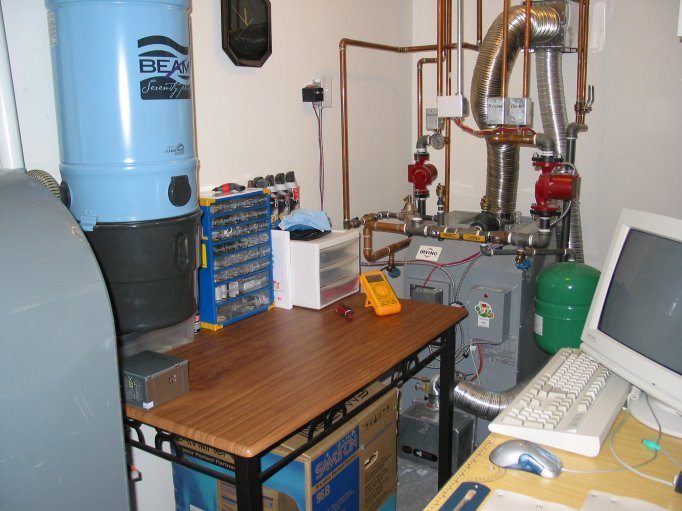
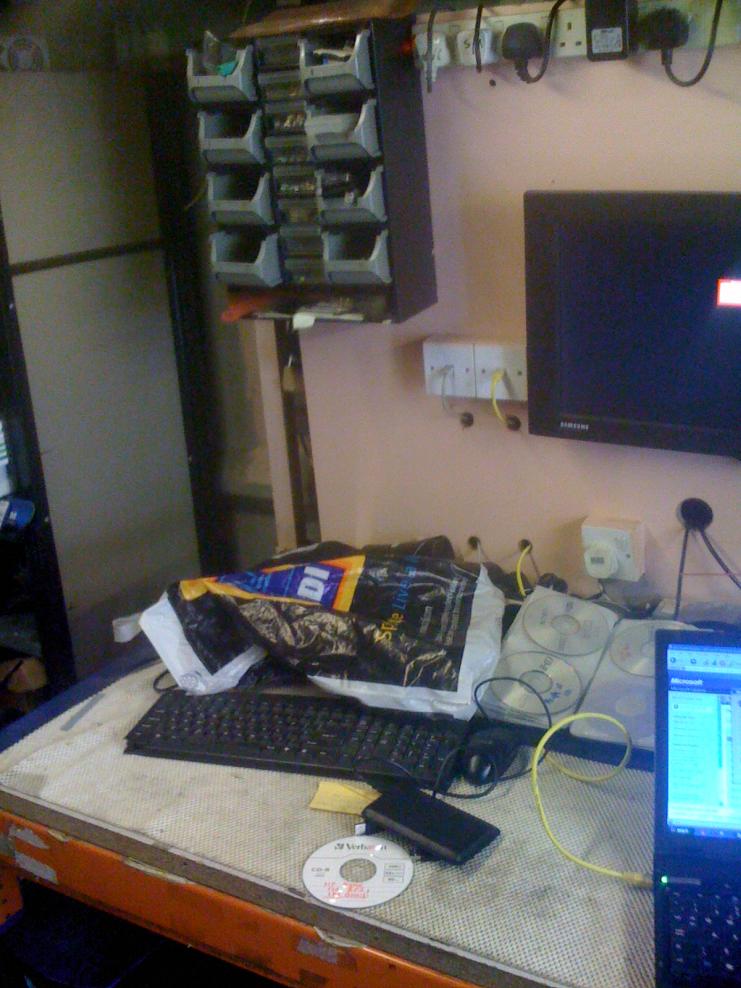
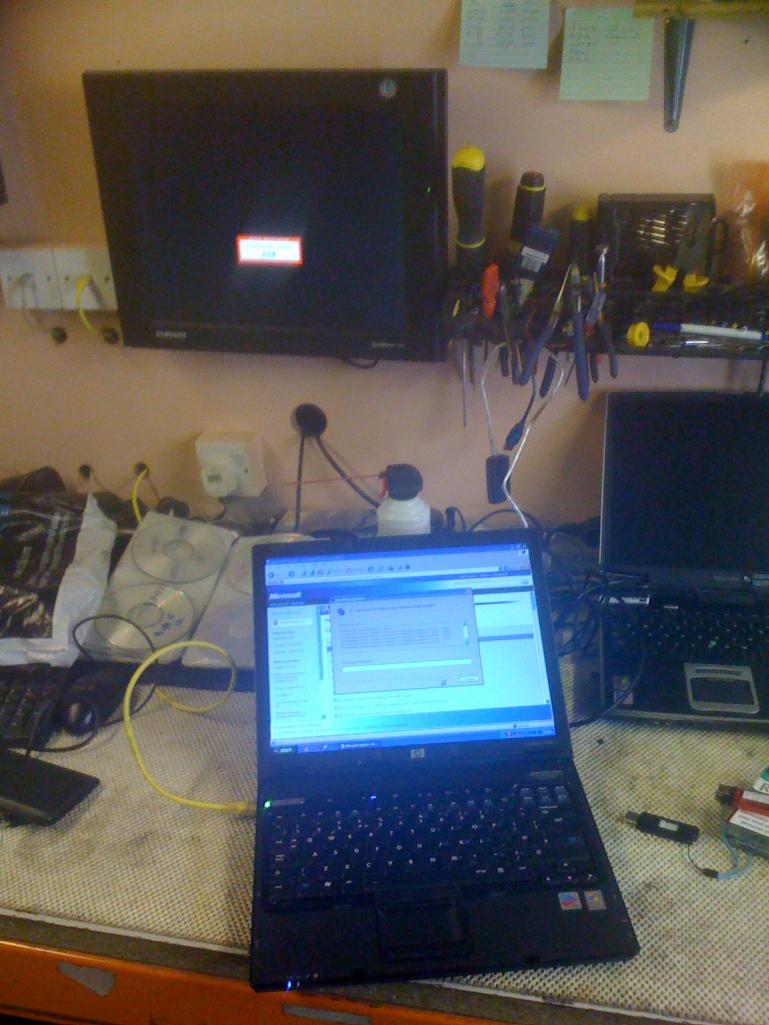
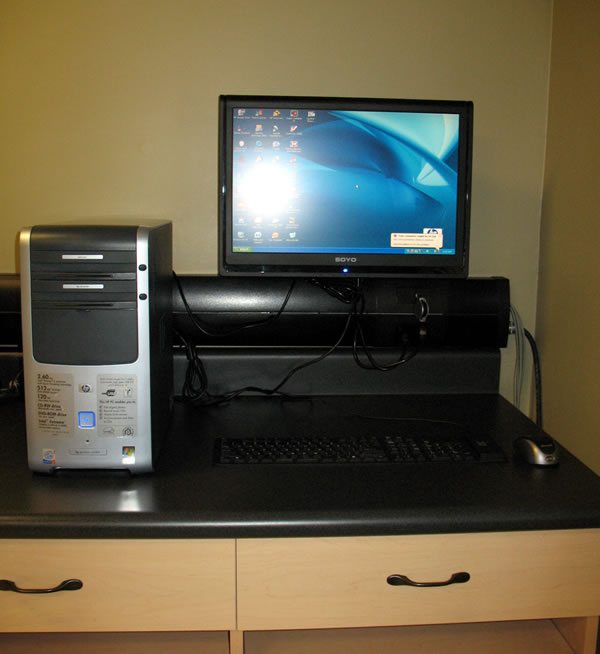
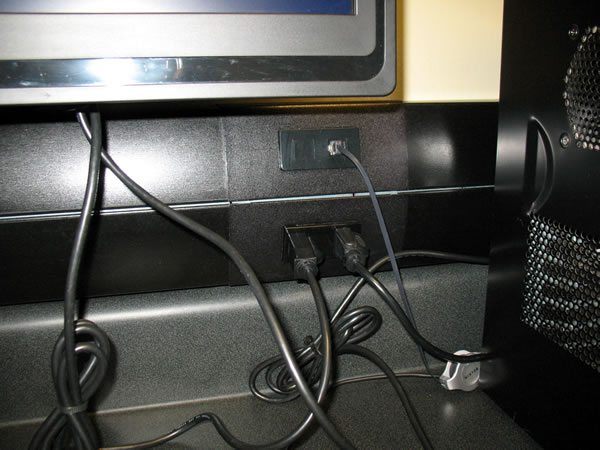
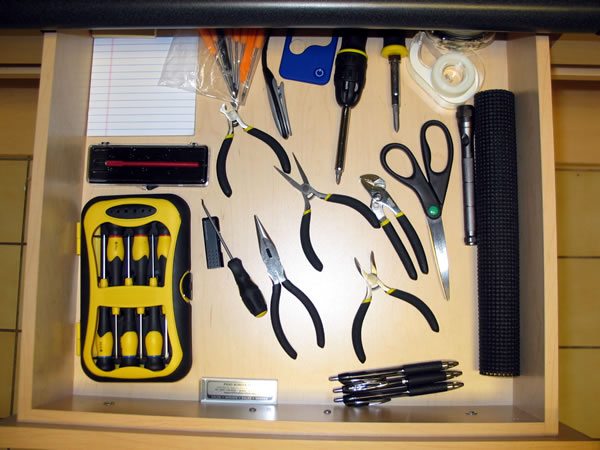
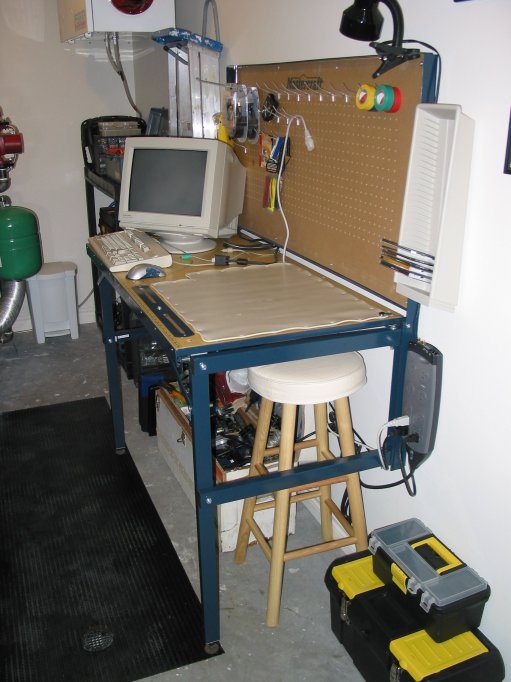
C6Gunner tells us that his workshop is located in his houses mechanical room.
“It’s very cramped, but nonetheless functional. In the first pic you can see my workbench, and in the second, my utility table. I fabricated a short hose that I connect to the central vac port (blue thing) to clean computers.
The only drawback so far is that because my furnace is in that room, it gets pretty hot in the summer (my furnace runs all year round as it heats my water and my in-floor heating). To remediate that, I use a fan to get a breeze going.”

Chicky:
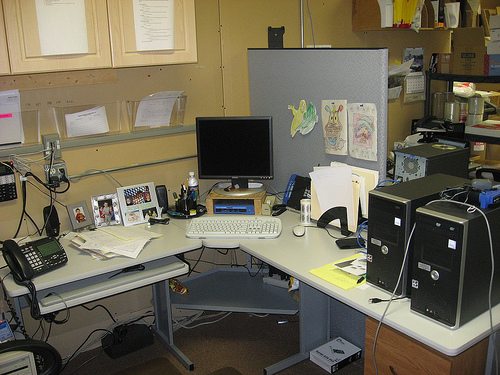
Chicky tells us that this is her work area when she is not onsite. The clean area is her side the other is her coworker. “He is a male so guess he has the excuse to be not so tidy”.

Chickys Computer Technician Workbench
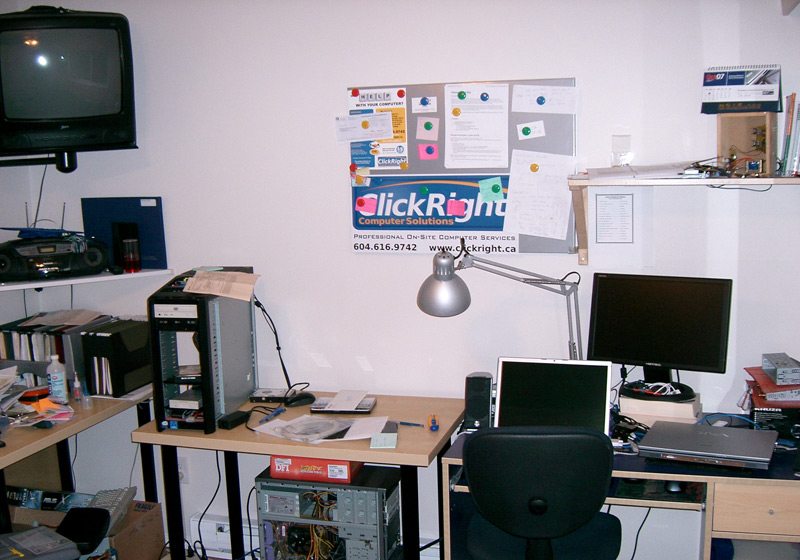
Clickrights Computer Technician Workbench
CDavis:
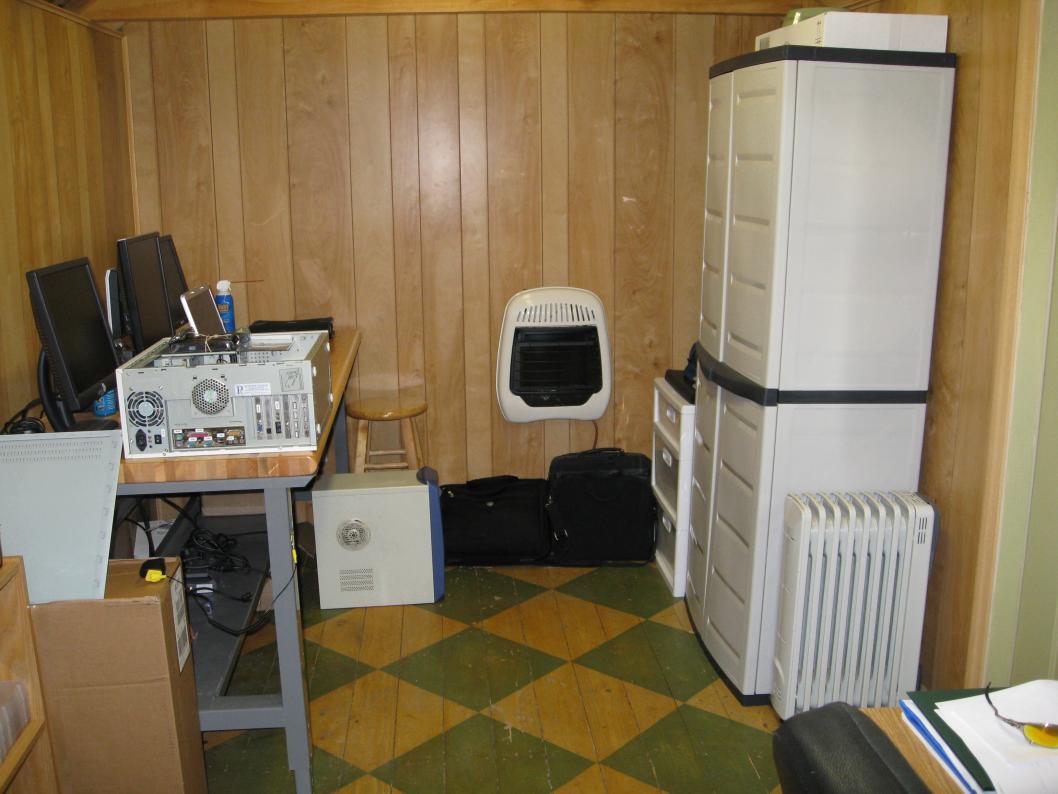
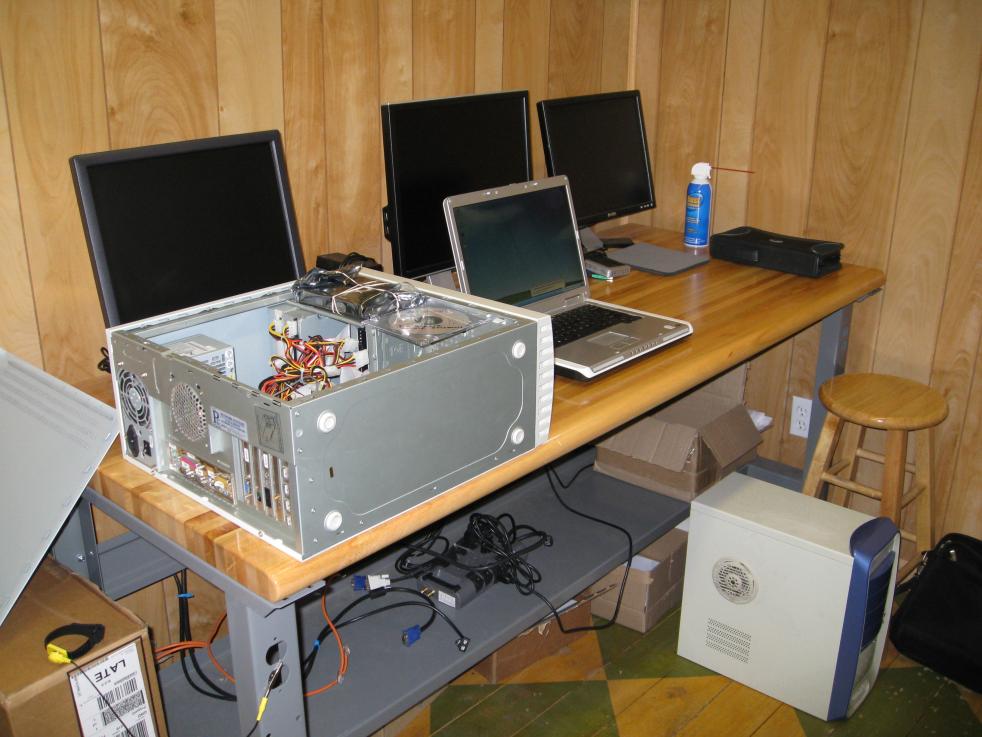
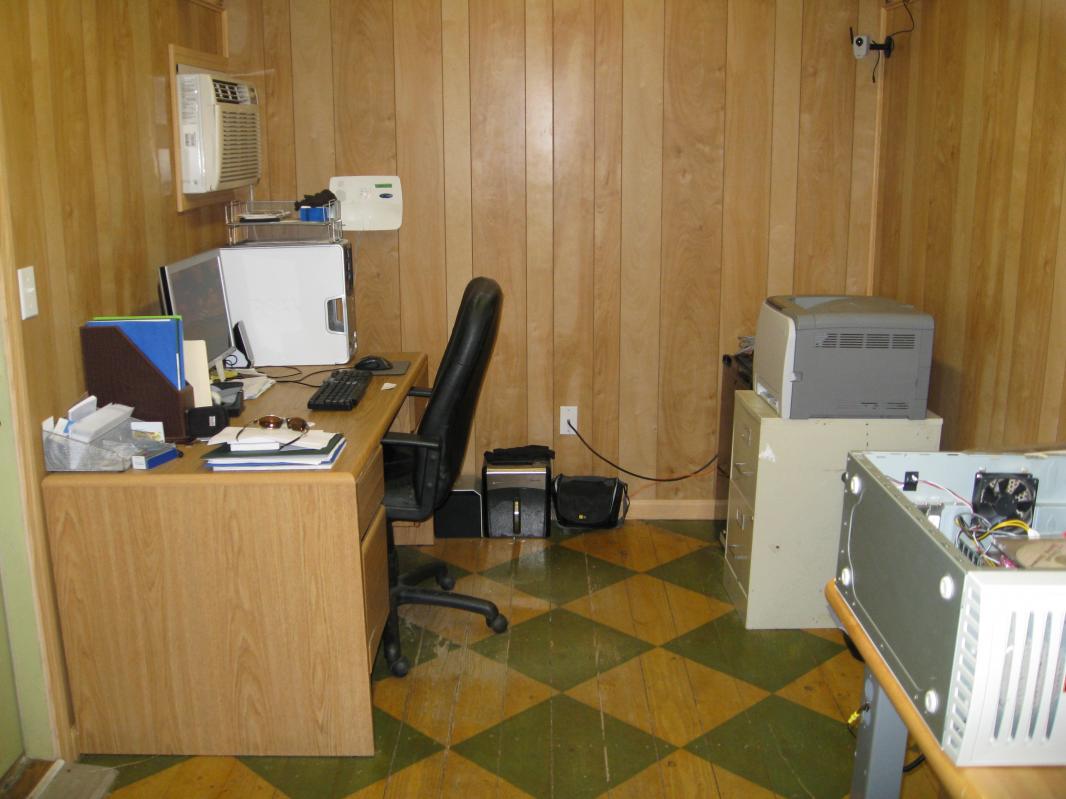
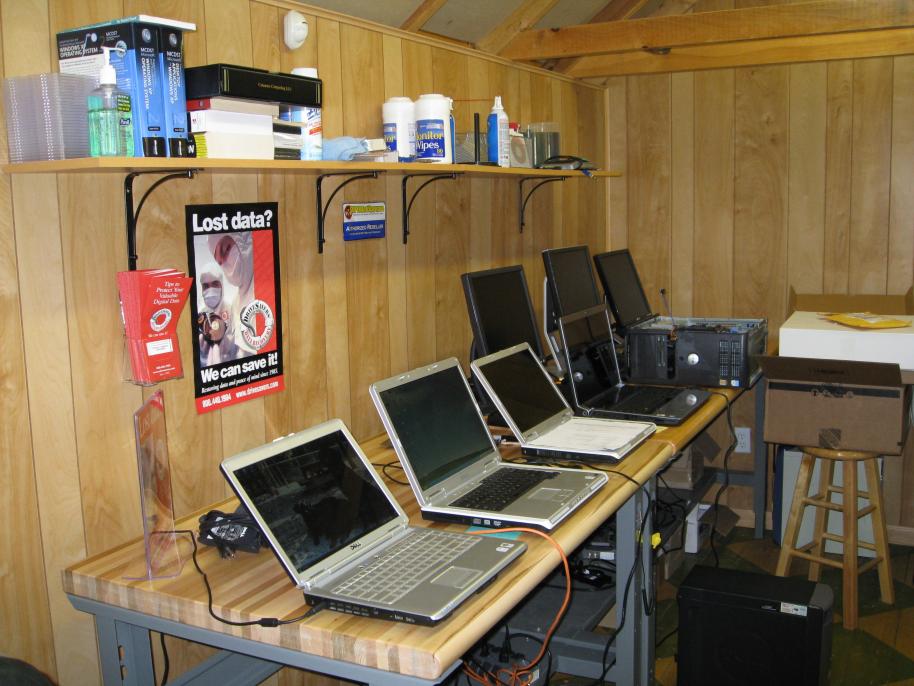
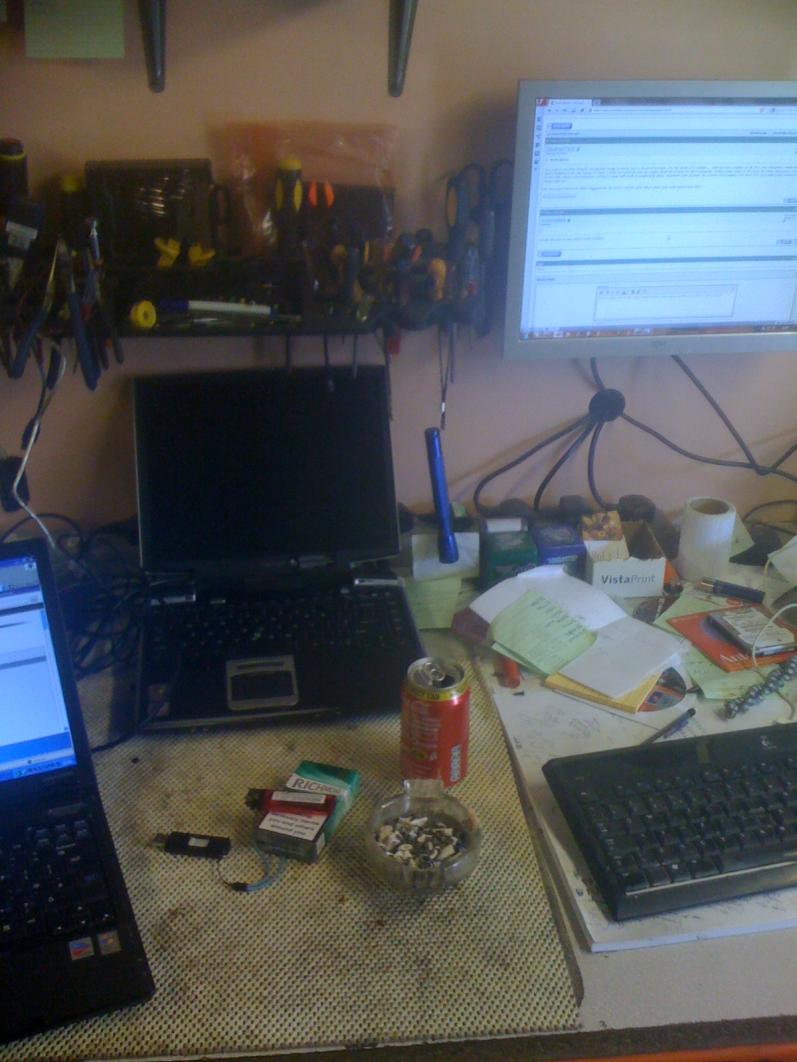
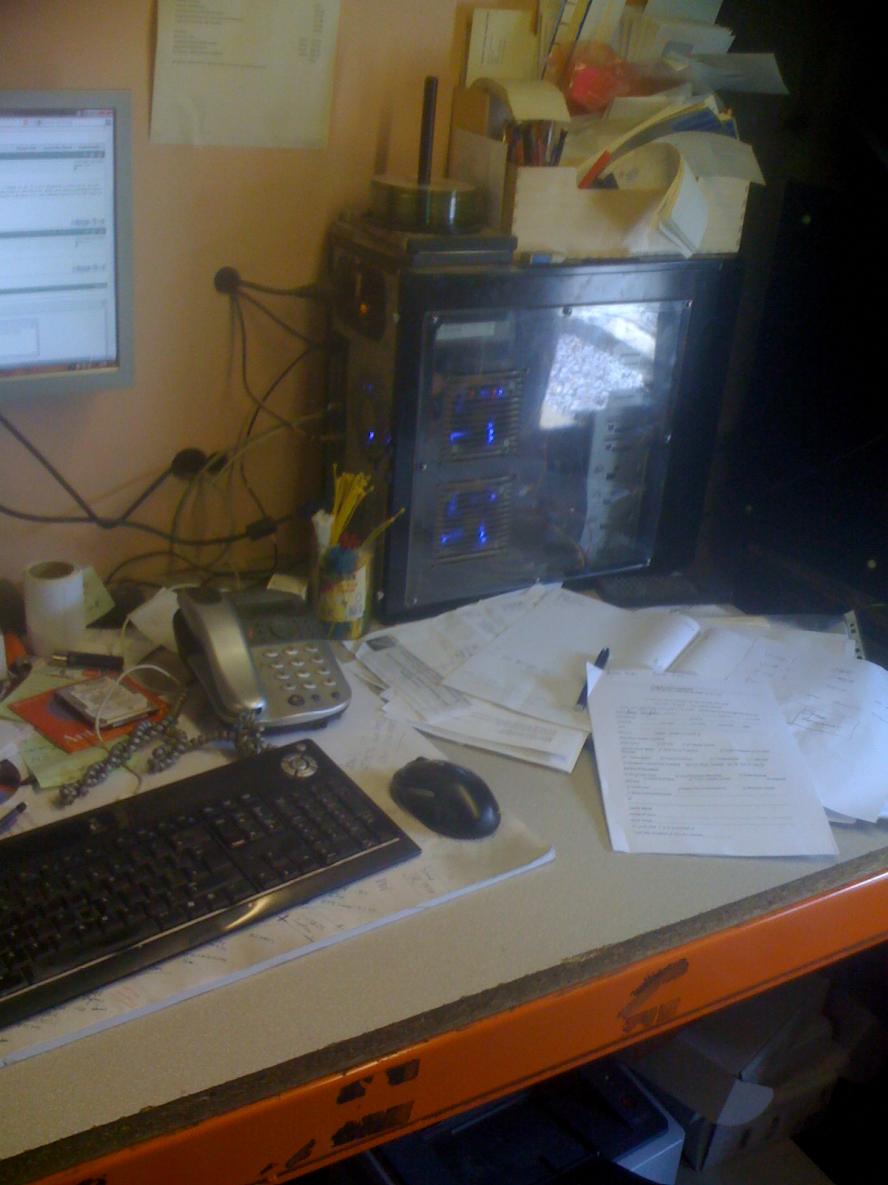
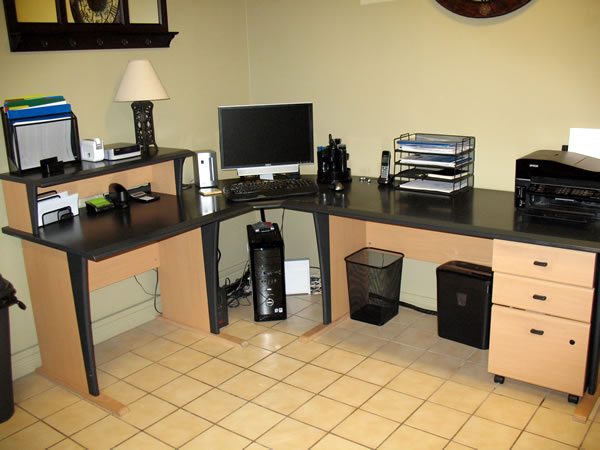
This is CDavis’s desk which also doubles as his work area.


 Computers Computer Technician Work Bench
 Computers Computer Technician Work Bench
Computers Computer Technician Work Bench
 Computers Computer Technician Work Bench
 Computers Computer Technician Work Bench
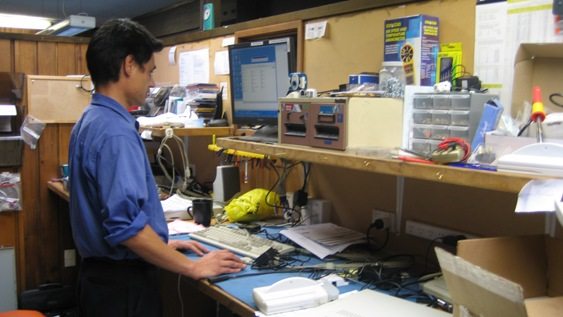
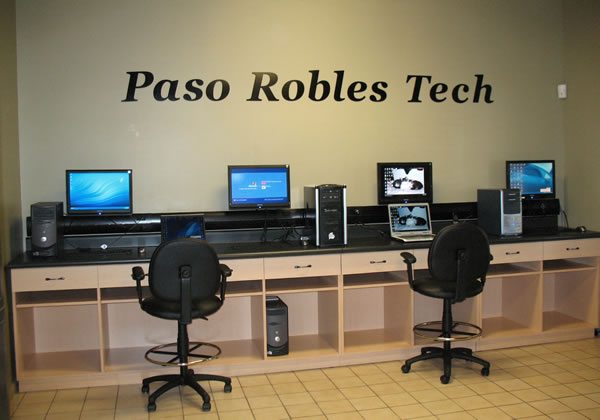
PR Tech:
“We try to run our shop almost like a doctor’s office. It is pretty clean and neat. We get a lot of client comments on how nice the shop is kept. I think people appreciate that we are handling their equipment like it is our own.”
PRTechs Computer Technician Workbench
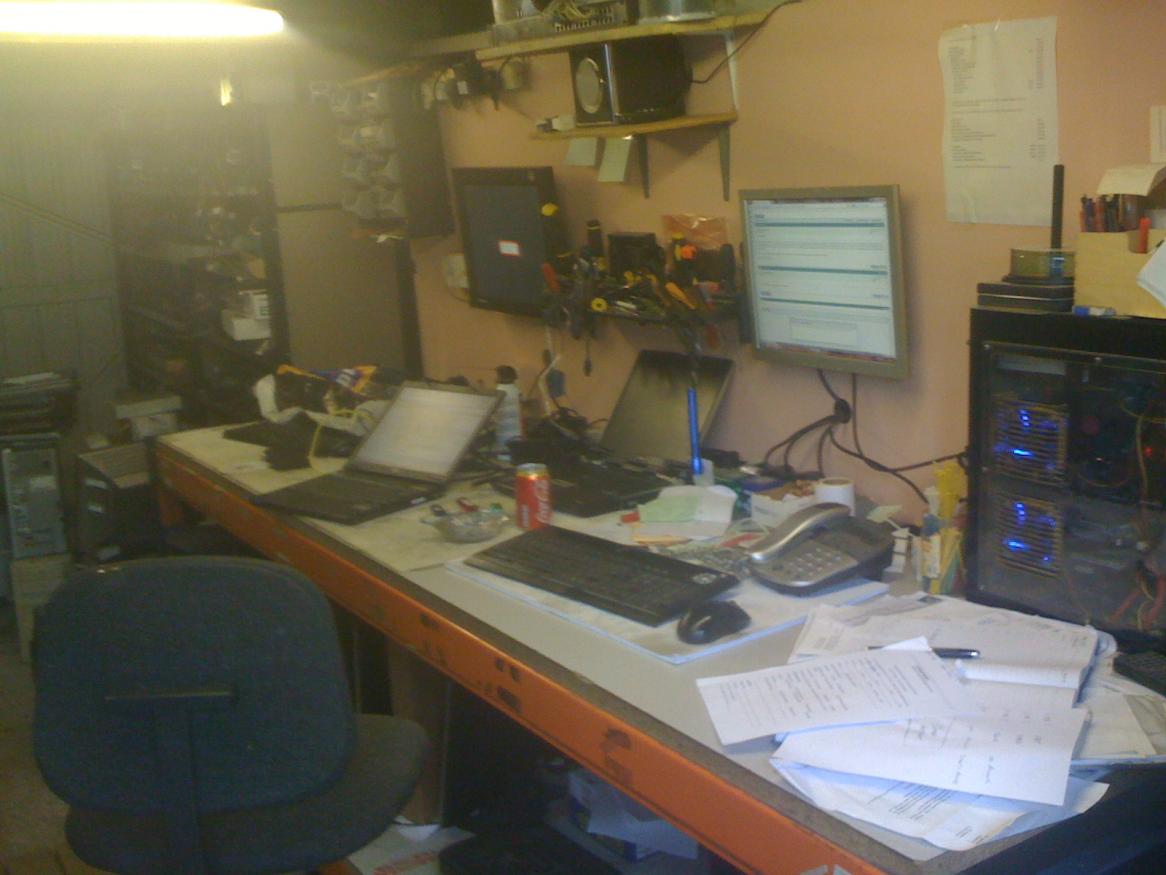
Graystar:
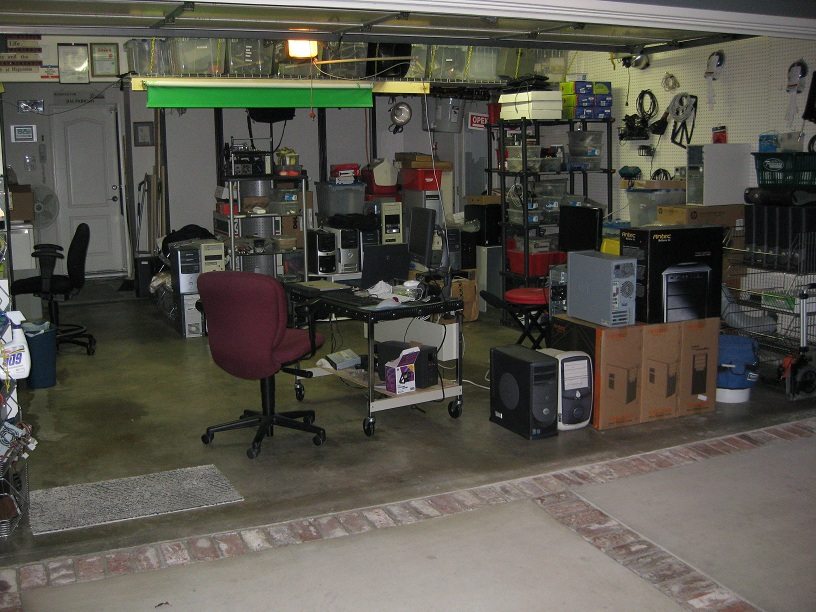
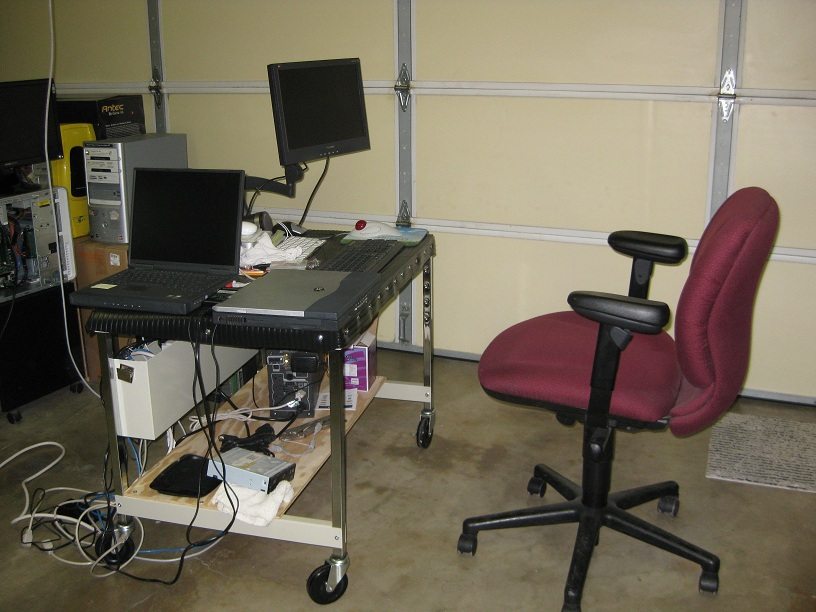
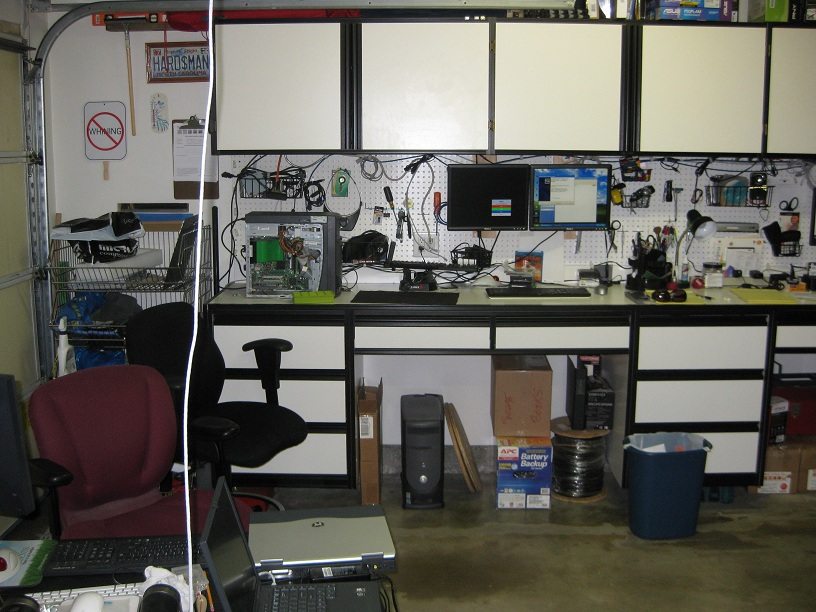
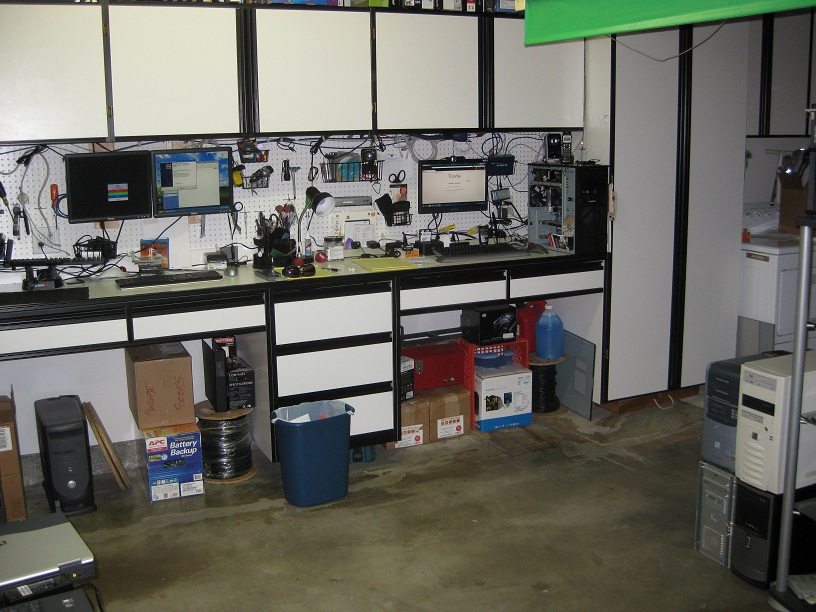
“I have been working out of my garage since fall 08. I dressed it out to make a good impression for clients who come here. it is really comfortable for me and I can have a few different machines cooking at the same time. (Love my pegboard)
I am thinking about taking a storefront in the next few weeks and will hope to pretty much duplicate what I have at home. ”
Graystars Computer Technician Workbench

Learn to Fail Fast

I recently heard an interesting piece of business advice that really stuck with me. It stuck with me because it was something I always did, but I have just never heard it said like that.
That advice is “Learn to fail fast”.
Let me explain:


You are probably thinking “Why would I want to fail?”. No one wants to fail, but if you are going to fail you need to learn to do it quickly in order to get the data (results) that you can use to gradually improve.
No matter what you do, whether it is trying a new form of advertising or offering some kind of new deal. You need to get the results quickly so you know to either never do it again, or take what you learned and tweak it a little bit so that it does work.
A good example of this is Google Adwords. When you first setup Google Adwords advertising, you type in a bunch of computer related keywords that you hope customers will search for and after a few days, you will begin to see some results. Some of those keywords will work great, but the majority of them will probably work very poorly. Now you have the choice to either get rid of them completely, or see that they do have the potential to work well if you bid higher.
Even though the majority of them failed, at least you now have some data to go by.
I strongly believe that success is a series of failures. A huge amount of things didn’t work for me in my business. I spent a lot of money trying out various different forms of advertising that resulted no calls. However, gaining that information was invaluable because I simply learned what didnt work. After many advertising failures, a few little gems popped up that appeared worked well and as a result I increased my advertising in those areas trying similar variants.
After my first 6 months or so of advertising failures, I had weeded out the ineffective advertising and I was left with just about all of my advertising being effective.
I put my ads out, failed fast, analyzed the data, stopped doing what didn’t work and tried other forms of advertising until I found a winner. Learn to fail fast.

Learn to Fail Fast

I recently heard an interesting piece of business advice that really stuck with me. It stuck with me because it was something I always did, but I have just never heard it said like that.
That advice is “Learn to fail fast”.
Let me explain:


You are probably thinking “Why would I want to fail?”. No one wants to fail, but if you are going to fail you need to learn to do it quickly in order to get the data (results) that you can use to gradually improve.
No matter what you do, whether it is trying a new form of advertising or offering some kind of new deal. You need to get the results quickly so you know to either never do it again, or take what you learned and tweak it a little bit so that it does work.
A good example of this is Google Adwords. When you first setup Google Adwords advertising, you type in a bunch of computer related keywords that you hope customers will search for and after a few days, you will begin to see some results. Some of those keywords will work great, but the majority of them will probably work very poorly. Now you have the choice to either get rid of them completely, or see that they do have the potential to work well if you bid higher.
Even though the majority of them failed, at least you now have some data to go by.
I strongly believe that success is a series of failures. A huge amount of things didn’t work for me in my business. I spent a lot of money trying out various different forms of advertising that resulted no calls. However, gaining that information was invaluable because I simply learned what didnt work. After many advertising failures, a few little gems popped up that appeared worked well and as a result I increased my advertising in those areas trying similar variants.
After my first 6 months or so of advertising failures, I had weeded out the ineffective advertising and I was left with just about all of my advertising being effective.
I put my ads out, failed fast, analyzed the data, stopped doing what didn’t work and tried other forms of advertising until I found a winner. Learn to fail fast.

5 Ways To Show Your Client That You Are A Professional Computer Technician

They say that you shouldnt judge a book by its cover. Unfortunately, people do judge a book by its cover. They say that you have 7 seconds to make a first impression and the impression you will want to get across as a Computer Technician is that you are aProfessional Computer Technician.
Of course, you need to do professional work in order to actually be a professional computer technician. Unless you can get that message across to your client, then you are no different to their 16 year old cousin “who is good with computers” in their eyes.
Here are 5 important ways to show your client that you are a professional Computer Technician.

Personal Appearance
Obviously, the way you look as a person is a very important factor. If you are doing clean work such as sitting at desks rather than crawling under buildings laying cable, I recommend a long sleeved collared shirt with some dress pants and shoes. What you are carrying can also add to your credibility. My personal onsite computer technician gear consists of a black shoulder bag and a small laptop in a black carry case and it generally looks the part when I also wear a black collared suit shirt. I have heard of some technicians carrying a toolbox like you would expect to see a handyman with but I guess it is all about the type of image you are trying to get across. If you are consulting then a suited look would be better, if you are drilling holes in walls and laying cables then you might go for some nice work clothes.
A little embroidered logo on your shirt can go a long way towards your professional look and you can usually get a single shirt done for less than $40 at a local mall. If you have a few shirts you want embroidered, it would be a good idea to seek out a business that only does business to business since they will probably be cheaper than the retail location.
Another thing to keep in mind in regards to personal appearance is to be aware of what your car looks like as this can be an extension of your personal appearance. When I was first starting out, I had your typical teenage clunker car so I would park it out front of their neighbors house rather than in the clients driveway. If you have a nice car, feel free to park in a place where it can be seen as it helps build credibility and shows you are successful.
Advertising On Your Car
Advertising on your car is not only a great way to advertise, it can help you improve your overall professional look. Car advertising can be anything between having a few letters on your back window to a full blown car wraps. Full sized car wraps tend to turn the most heads as it makes you look like your business has a whole fleet of cars. Of course, they don’t come cheap.
If you are after some simple text lettering, you can get the stickers sent to you in the mail for around $20-50 USD using a site likeWebDecal.com (USA). If you want to go all out with the car wraps, I have heard of some technicians using CarWraps.net (USA).
Professionally Made Logo and Business Card
Having a professionally made logo and business card is an important factor in the overall professional look. It is the image that represents you and often people will even choose a technician over another based on their logo or business card. The reason why I say that you should have a professionally made logo and business card is because technicians like us tend to have an “I can figure it out” mind that wants to create our own business cards. However, we need to be careful as this can be like your clients 16 year old cousin thinking he can fix your clients computer because he is “good with computers”.
There is a website where you can have hundreds of designers presenting logo designs to you for around $200 to $300 USD. If you pay a little more money, they can also turn it into a business card for you. This place is called 99Designs.com and I have written an article about it in the past on how to make the most of it here.
I understand that some readers are starting their businesses with very little startup funds, so you should at least take advantage of Vistaprints free business card offer located here.
Website
A technician website tends to fall into the same category as the business cards. Computer Technicians are very capable with computers and we enjoy learning. Unfortunately this can result in some pretty bad websites.
Unless you have a web development background, I highly recommend that you dont create your own site from scratch. If you want to do it yourself and you know a little bit of HTML and how to use FTP then getting a pre-existing template and tweaking it is a good idea. If you know dont know how to design a website, change a logo or upload it to a webhost, I highly recommend you look at something likePodnutz’s Tech Website Builder. Its a great package supplying you with some website templates and step-by-step videos on how to change the content, logo and how get it online. You can also save 15% on the product if you use this link for Technibble readers only.
I also recommend that you get a domain name. They only cost $7.49 USD for a .COM with Godaddy and you can get them even cheaper at $6.89 if you use this link. As for hosting, I highly recommend Hostgator.
Paperwork
I have mentioned using paperwork as a way to look professional in the past. Asking a client to sign a work order with your logo printed up the top looks much more professional than “yeah, that’ll be $50…CASH ONLY”. The hobbyists on Craigslist just don’t use anything like this and its a great way to separate yourself from them and show your client you are the real deal.
There is a handful of other smaller items that build up the a whole professional image such as your email signature, your email address and even how clean your car is. Looking professional is a whole package and having just one of these letting you down can hurt your image.

How To Deal With Competition That Have Lower Prices

I was recently reading a thread on the Technibble forums where a technician posted about an interesting problem he had. Here is part of the post:
I’ve been reading a few threads where people are saying charge what your worth, make people pay for your skills etc.
My problem is this i’m only just starting out so I need to be competitive, but there are two or three local competitors (I live in a small market town in the UK) and they are only charging £20 p/h with free call outs. If I only charge that i’m going to struggle to make a living.
It is a fairly common problem that many Computer Technicians encounter, but it also has a fairly simple answer. This technician should charge what he believes he is worth and what he believes to be sustainable. He should not worry about the cheaper competition. Let me explain:

The forum member mentions that they live in a small market town in the UK, so we need to take into account that the cost of living is going to be lower than someone living in the city of London for example. However, even taking this into account, his competitions “£20 p/h with free call outs” is just not sustainable.
The competition may be making enough to cover the cost of petrol and to survive personally, but not enough for their business to survive and prosper. A business owner also needs to be making enough money to reinvest back into the business for things like insurance or advertising. The main reason why computer businesses fail is because they undercharge.
Many new computer businesses will drop their price to gain their first few clients and this is fine, but a factor worth considering is the perception of quality. For example, without knowing either technician, which technician do you think will do a better job? The one charging £20 or the one charging £40? Most people will say that the £40 technician will probably do a better job, even though they dont know either. They are basing that off the perception of quality.
By having higher prices, it can also lead to higher quality clients. By being the cheapest person in town, you are going to attract cheap clients and cheap clients generally expect you to do more work for less money.
Of course, you cant just charge higher prices without being able to back it up. You need to justify why you charge more. You need to act professional, look professional, do professional work and because of this, your customers will pay a premimum for a professional to work on their valuable PC containing their valuable data. Once you get a reputation for doing good work that is well worth the money, it wont matter what your price is compared to the other business.
I would like to give you a hypothetical example of what can happen between a business that follows this advice and a business whos prices are as cheap as possible.
Lets say that these two computer repair businesses started up next door to one other. One of them charges £20 per hour while the other one charges £45, both of them are starting with very little money.
The £20 p/h owner attracts people that are only looking for the cheapest repairs in town. The £45 p/h owner attracts people with a little more money and possibly other business owners. The cheaper guy may get more customers initially but as soon as he raises his prices, he may not be the cheapest technician in town anymore and we need to remember that his customers chose him because he was the cheapest. There is a good chance his clients will change their loyalties and seek out the cheapest technician yet again. The £20 technician may get lucky enough to become really busy but if he gets too busy, his quality and turn around times will drop.
Since his prices are so low he wont be able to take on any additional staff, he will possibly gain a bad reputation and guess where his clients are going to go? Right to the £45 guy that does great work for a reasonable price.
It wont just be the cheaper guys customers that the £45 technician will be getting, it will also be new customers since the cheaper guy now has a bad reputation for doing bad work.
After a while, the £45 business is making double the money the £20 business is making and doing only half of the work and because of this, he can afford to get insured and mention it on his new and improved advertising.
If you were a business looking for an IT guy in the local Yellow Pages and both of these businesses had ads side by side, would you choose the £45 guy who is insured for your business? or the £20 guy? Chances are you would choose the £45 guy. It seems the “safer” choice since the ad is all the information you have to go on.
Fast forward two years and you will probably either see the £20 guy with a bad reputation or out of business. The £45 guy would be a far stronger business because he is sustainable, is able to reinvest money back into the business and has a quality client base made up of businesses and people who will pay a good price for good work.